
Lincoln Public Schools
YOU ARE HERE »
TOPICS »
- Copying on an MFD
- Elementary report card (ERC) training videos

- Employee Management Center (EMC)
- Feedback
- IDM Training Videos
- LPS Laptop Resources
- Printing to an MFD
- Printing to the LPS Print Center
- Tech 2 Knows
SUBSCRIBE »
LPS STAFF »
Copying on an MFD
| Below are videos of content covered during "Key Operator" training sessions for the Xerox Multifunction Devices. | Key Operators:
|
01 Parts of the MFD
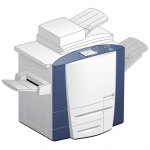
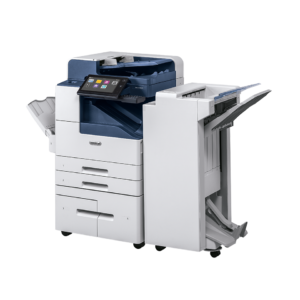
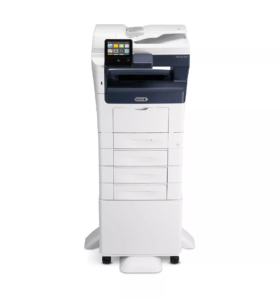
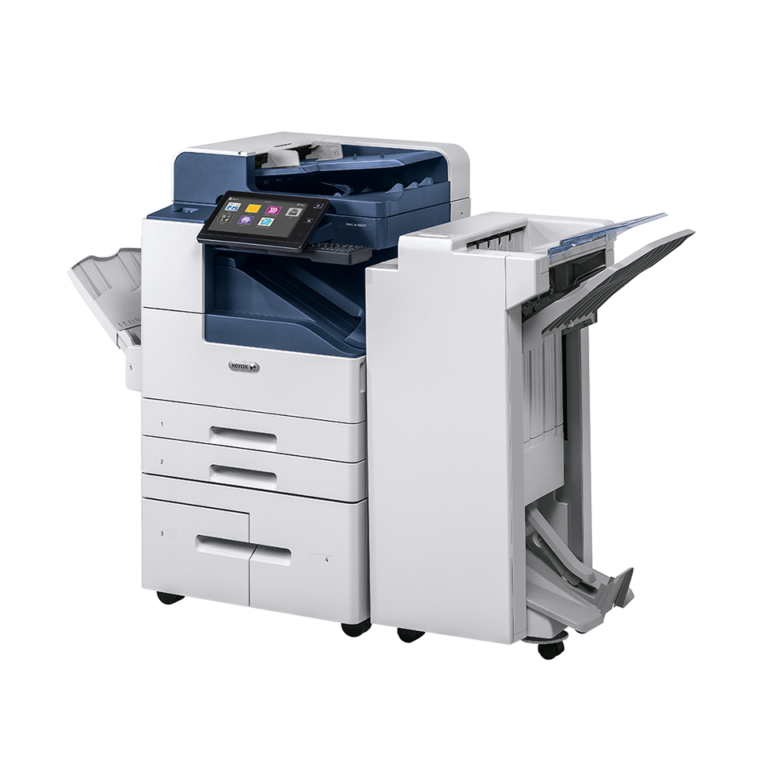
Brief overview of the anatomy of a WorkCenterPro 255 Xerox multifunction device.
Posted on June 19, 2006
02 Logging Into the MFD
Before using the MFD for any copying, printing scanning or faxing, you must first log in.
Posted on June 19, 2006
03 Basic Copying Features
Overview of basic copying features of the Xerox MFDs.
Posted on June 19, 2006
04 Loading Paper
Loading paper in a Xerox MFD has some extra steps not seen on previous LPS copier models. Here is a quick video tutorial.
Posted on June 19, 2006
05 Clearing Paper Jams
Eventually, you will run into a paper jam while using this machine. Learn how to deal with the situation appropriately.
Posted on June 19, 2006
06 Replacing Toner
Each toner bottle can make up to 45,000 impressions. While that is a lot of copies, you will eventually need to replace the toner bottle.
Posted on June 19, 2006
07 Replacing the Staple Cartridge
Some Xerox MFD models contain a stapler. When you run out, you will want to know how to replace the staple cartridge.
Posted on June 19, 2006
08 Scanning to the LPS Print Shop
Occasionally you may want to scan a hard copy of a document down to the LPS Print Shop to have a large number of copies run. Here is one way to accomplish that task.
Posted on January 18, 2008
09 Expectations and Support
As a Key Operator, you have a number of support avenues available to you when dealing with MFD issues. This video outlines many of them.
Posted on June 19, 2006
Staples in Landscape Orientation when Scanning to the Print Center
You may now scan a collated and stapled landscape orientation job to the LPS Print Center and get the staple in the correct corner of the page.
Posted on March 13, 2009